
Download Jim’s Jobs Mobile App
MOBILE
Jim’s Jobs Mobile App is available on all iOS and Android devices.
iOS
1. Download Jim’s Jobs Mobile App for iOS.
Click HERE to download the iOS app.
Or Scan the below QR code:

2. Grant permissions in your mobile phone settings.
- On your phone, open Settings > General > Device Management.
- You’ll see the Jim’s Job app in a list.
- Select the option to trust the app.
- You can then open up and log in.
Android
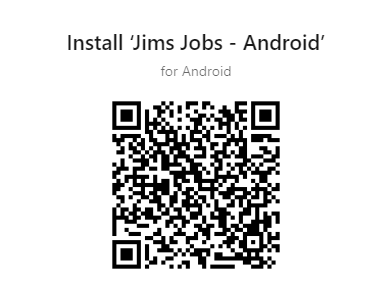
1.Download Jim’s Jobs Mobile App for Android.
Click HERE to download the Android app
Or Scan below QR Code:
2. Grant permissions in your mobile phone settings.
- On your phone, open Settings > Apps
- Tap the Menu icon (upper-right)
- Tap Special Access
- Tap Install Unknown Apps
- Select Jim’s Jobs from the list